Slack
@mention or channel message
Configured Slack Events API receiver
Read or post in allowlisted channels; posting can require Ask approval.
Agent touchpoints
A configured Slack app, GitHub event, schedule, or signed callback can start a workflow and pass in the relevant context. Each run uses the Agent identity and grants configured for that path.
Configured touchpoints
Slack messages and mentions can enter through the configured Slack event receiver; GitHub events use the supported GitHub path; incident tools, CRMs, and internal applications can use signed webhook receivers or declared package events. They can all reach the same configured workflow and Agent identity.
Slack
Configured Slack Events API receiver
Read or post in allowlisted channels; posting can require Ask approval.
GitHub
Supported GitHub event
Review, comment, or open a PR through a repository-scoped GitHub grant.
Incident tools
Signed webhook receiver
Investigate with granted context; update or deploy only through separately granted actions.
CRM or internal system
Signed webhook or declared package event
Read or write through the selected package or API action, with approval where required.
A mention, pull request, alert, or record change becomes a normalized event.
The configured Agent identity and grants apply to the context from that touchpoint.
Posting, commenting, updating, or deploying stays separately scoped and reviewable.
Run evidence
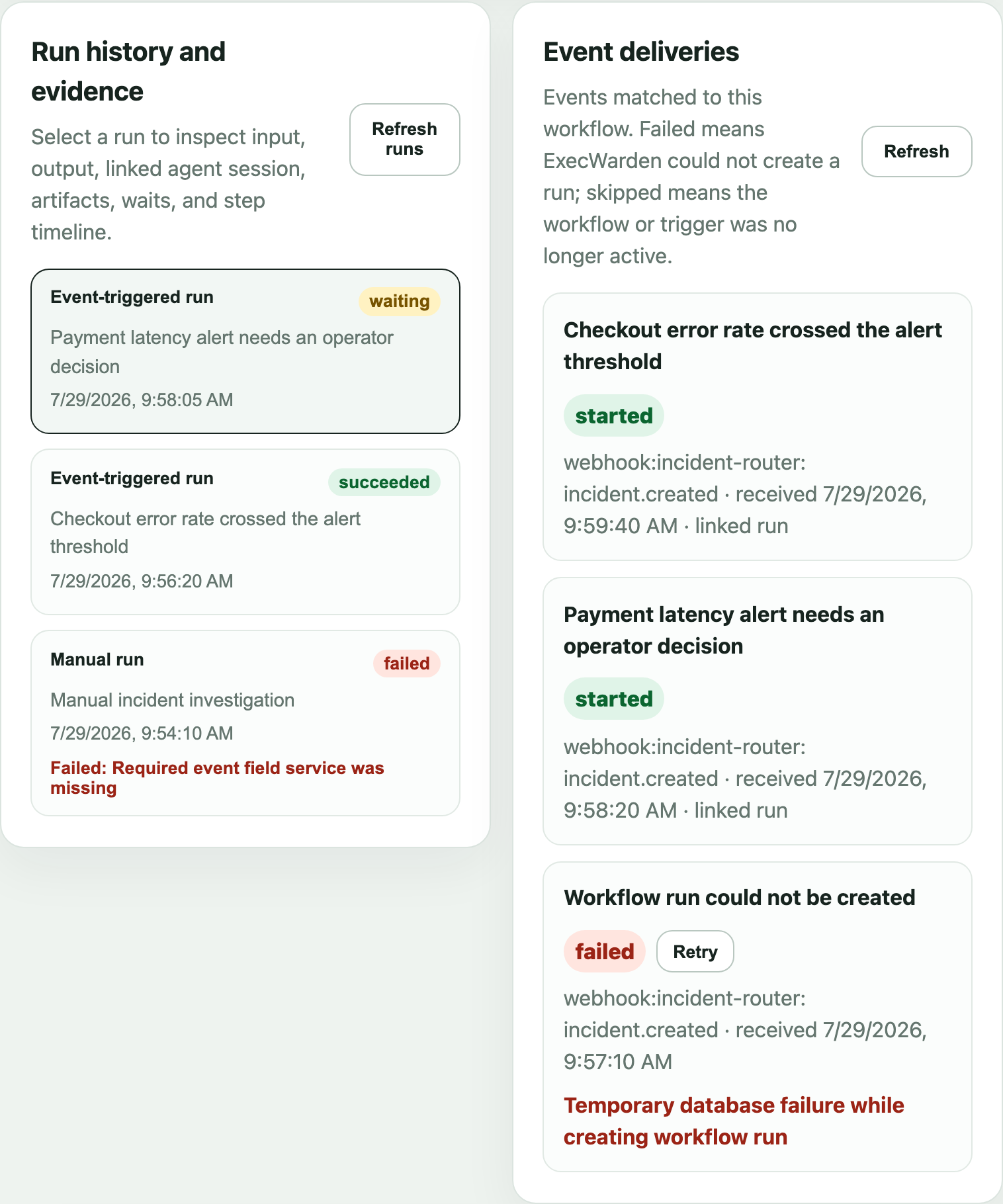
Delivery status and workflow-run status stay visible together, including work that completes, pauses for a person, or fails before a run can start.
Examples